
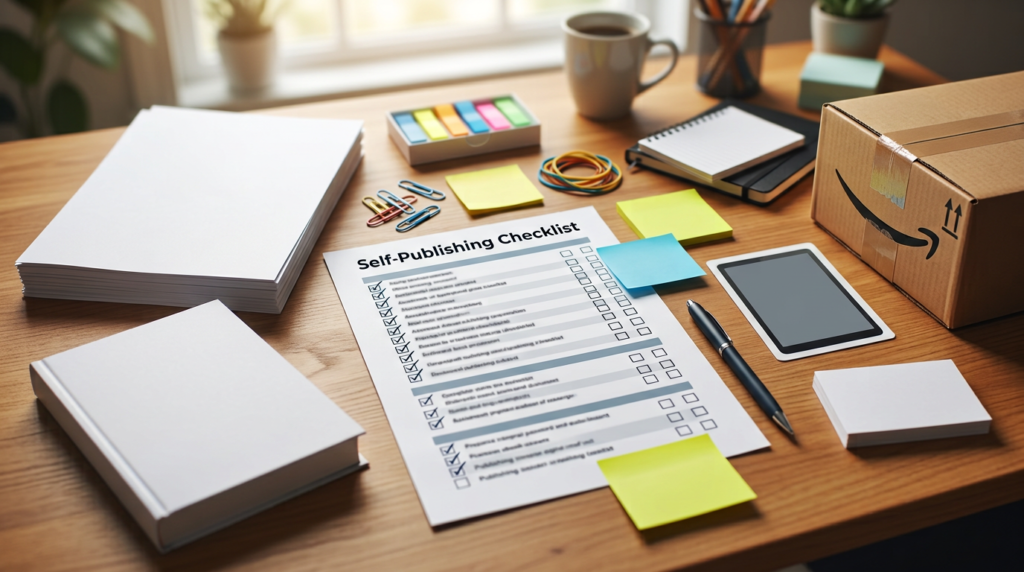
Publishing through Amazon Kindle Direct Publishing can be exciting, but it can also feel overwhelming if you are trying to manage every detail at once.
A checklist helps you stay organized and reduce the chance of mistakes before release.
Here is a practical KDP checklist for self-published authors preparing an ebook, paperback, or both.
1. Finalize your manuscript
Before uploading anything, make sure your manuscript is truly ready.
That includes:
- final revisions completed
- editing completed
- proofreading completed if possible
- no unfinished notes or tracked changes left behind
A clean manuscript gives you a much better starting point.
2. Make sure formatting is ready
Your book should be properly formatted for the version you are publishing.
That may include:
- ebook formatting
- print formatting
- front matter and back matter cleanup
- clear chapter structure
- clean spacing and alignment
Formatting issues are one of the most common causes of frustration during upload and preview.
If you need help with that, visit our Book Formatting Services page:
https://inkspiredigital.us/book-formatting-services/
3. Prepare your cover files
Make sure your cover is ready for the correct format.
This may mean:
- ebook cover file
- full print cover with spine and back cover
- correct dimensions and quality
A cover that does not match the required format can slow down the publishing process.
4. Confirm book details
Before publishing, gather the key information you will need, such as:
- book title
- subtitle if applicable
- author name
- description or book blurb
- keywords if you plan to use them
- categories or relevant genre placement
Having this prepared in advance makes the setup process much easier.
5. Review front matter and back matter
Check that your front matter and back matter are organized properly.
This may include:
- title page
- copyright page
- dedication
- acknowledgments
- author note
- calls to action or links at the back of the book
These sections should feel polished and intentional.
6. Check file readiness before upload
Before uploading to KDP, confirm that:
- the manuscript file is final
- the correct format is being used
- the cover file is ready
- there are no obvious layout issues
- your naming and versions are organized clearly
This saves time during the upload process.
7. Review the preview carefully
Do not rush past preview screens.
Use previews to check:
- chapter breaks
- spacing
- alignment
- table of contents if relevant
- page flow in print
- readability in ebook format
This step helps catch issues before publication.
8. Be clear about which formats you are releasing
Some authors release:
- ebook only
- paperback only
- ebook and paperback together
- multiple editions over time
Be clear about your release plan so your files and publishing setup match your goals.
9. Prepare for final checks
Before clicking publish, ask yourself:
- is the manuscript final?
- is the formatting polished?
- is the cover ready?
- are the details accurate?
- have I reviewed the preview carefully?
That final review can prevent avoidable mistakes.
10. Get support if the process feels unclear
KDP can be manageable, but it can also feel stressful when you are trying to handle everything alone.
If you want help with file preparation, formatting, or getting ready for upload, visit our Book Formatting Services page.
Visit our KDP Publishing Support page here.
You can also explore our Self Publishing Services here.
Final thoughts
A good KDP checklist helps you stay organized, reduce mistakes, and move toward publication with more confidence.
If you want help preparing your book for Amazon Kindle Direct Publishing, contact Inkspire Digital here.